Accepting card payments is essential for modern businesses. But choosing how to accept those payments can be just as important.
Should your business use a dedicated POS terminal, accept contactless payments directly on a smartphone, or combine both?
For businesses in Cyprus, the right choice depends on transaction volume, mobility, operating environment and customer needs.
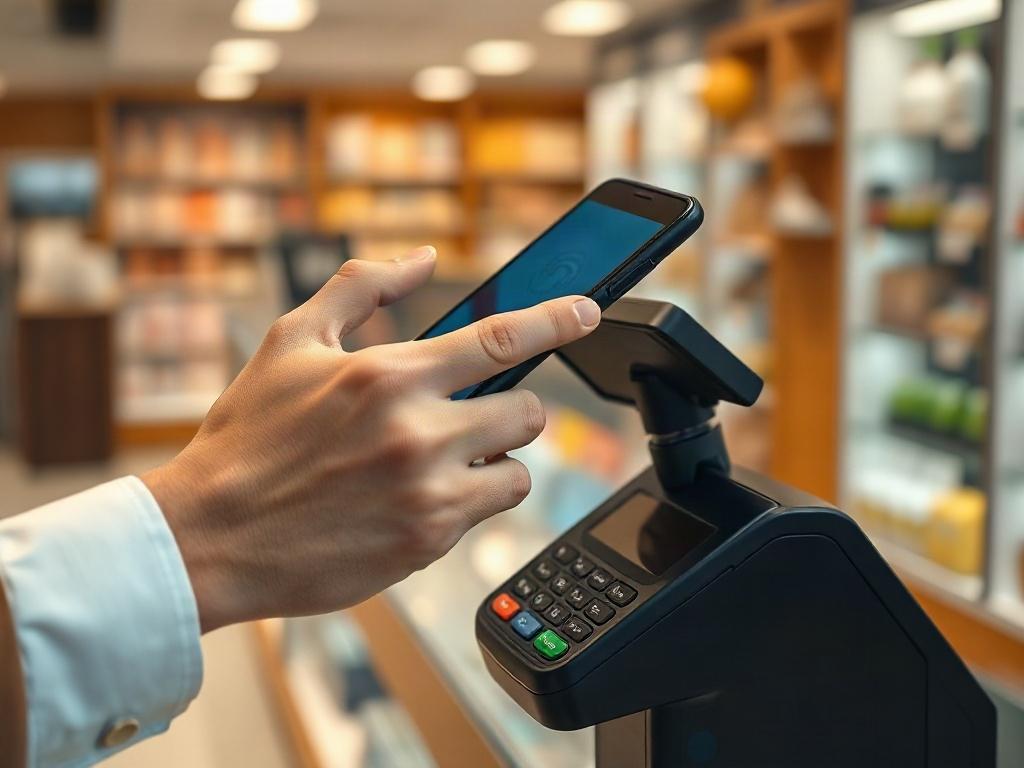
Tap to Pay allows businesses to accept supported contactless card and digital wallet payments directly on a compatible iPhone or Android device, without requiring a separate card reader.
It can be particularly useful for mobile professionals, smaller retailers, service providers and businesses that want to accept payments away from a fixed counter.
With PayOpe, eligible businesses can accept contactless payments using compatible smartphones and manage payment activity through the PayOpe dashboard.
A dedicated POS terminal is designed specifically for accepting in-person payments.
For businesses with frequent transactions, fixed checkout counters or demanding daily operations, a dedicated reader can offer a more practical payment experience.
PayOpe supports the white S710 smart payment reader, providing businesses with a dedicated device for card and contactless payment acceptance.
This can be particularly suitable for supermarkets, retail shops, cafés and other businesses operating regular checkout counters.
FeatureTap to PayDedicated POS TerminalHardwareCompatible smartphoneDedicated payment readerContactless cardsSupportedSupportedApple Pay and Google PaySupportedSupportedMobilityExcellentDepends on reader connectivitySeparate card reader requiredNoYesChip card insertionNot supportedAvailable on compatible terminalsBest suited forMobile and flexible paymentsRegular in-store checkout
For a small business operating with limited equipment, Tap to Pay can be a practical starting point.
A compatible smartphone can become a payment acceptance device, reducing the need for additional dedicated hardware.
For a business operating a busy counter throughout the day, a dedicated POS terminal may be more suitable.
The important consideration is not simply the size of the business, but how and where customers make payments.
As businesses expand, they may need more than one way to accept payments.
A retailer might use a dedicated POS reader at the counter while accepting additional contactless payments on compatible smartphones.
A business selling both online and in-store may also benefit from connecting these channels through a unified payment platform.
PayOpe brings together online checkout, dedicated POS terminals and Tap to Pay on compatible iPhone and Android devices.
Businesses can access transaction history, real-time analytics, reporting and payout visibility through the PayOpe merchant dashboard.
Whether you're operating a small shop, café, supermarket or growing business, PayOpe provides flexible payment technology designed around your operations.
Explore PayOpe payment solutions at www.payope.com.
© 2026 PayOpe | All Rights Reserved
PAYOPE TECH LTD Registration Number: HE477580
Registered Office: P. LORDOS CENTER, BLOCK B, Floor 2, Flat/Office 203, Makariou III & Vyronos, 3105 Limassol, Cyprus